
How MSMEs Can Choose the Right HRMS: Key Factors to Consider
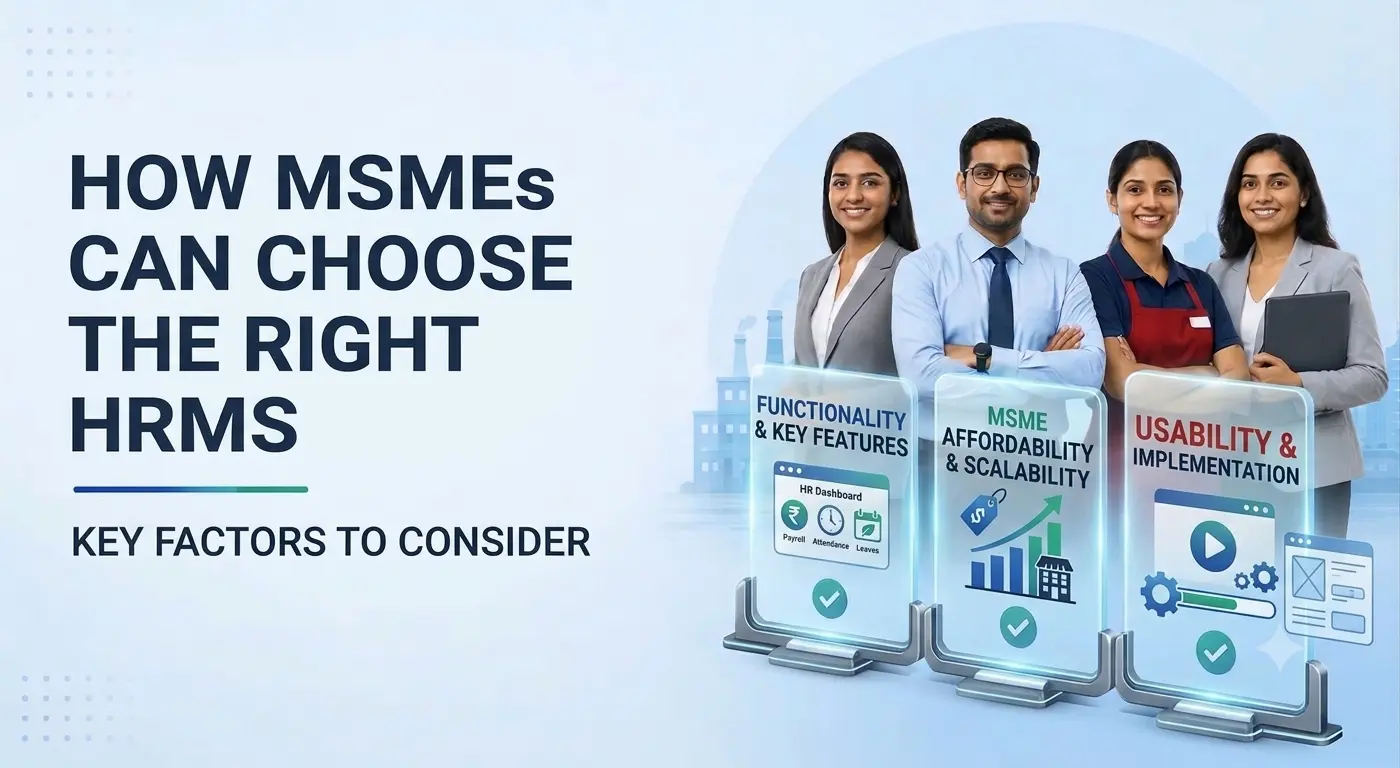
The right HRMS helps MSMEs reduce manual work, speed up routine HR processes, and manage employee information more efficiently. It simplifies everyday activities such as attendance tracking, payroll management, employee records, and leave management, allowing businesses to save time and focus on growth.
Quick answer:
To choose the right HRMS, founders should assess their current HR challenges, set a realistic budget, compare available solutions, and test the software before making a decision. Instead of opting for a platform with the most features, prioritise ease of use, affordability, data security, and scalability. The ideal HRMS should address your current business needs while supporting future growth without adding unnecessary complexity or costs.
How to Choose the Right HRMS for Your MSME: 4 Key Steps
Use these four steps to shortlist and evaluate HRMS options. Each step helps you match the software to how your business actually runs, rather than to the longest feature list.
Identify
List your HR challenges and must-have features
Compare
Weigh cost, usability, and scalability
Test
Run real HR tasks in vendor demos
Check
Review security, compliance, and support
1. Identify Your Business Needs
Start by reviewing your existing HR processes. Are attendance records maintained manually? Does payroll require repeated data entry? Are employee documents scattered across emails and spreadsheets?
List your biggest challenges and separate essential requirements from optional features. For example, a small business struggling with attendance and payroll should prioritise these processes before investing in advanced performance management tools.
For many MSMEs, attendance and payroll are the first processes worth fixing. Emgage’s leave and attendance management integrates with biometric devices and feeds attendance data directly into payroll, so the same information does not have to be entered twice.
2. Compare Cost, Usability, and Scalability
An affordable HRMS should deliver value without stretching your budget. Consider subscription fees, implementation, training, integrations, and ongoing support—not just the initial price.
| Factor | What to evaluate |
|---|---|
| Cost | Total expenses and future price increases |
| Usability | Ease of completing everyday HR tasks |
| Scalability | Ability to support planned business growth |
| Security | Access controls and data protection |
| Support | Training, troubleshooting, and response times |
Choose a system that fits your current needs but can accommodate additional employees and locations as your business expands.
Emgage HRMS is built for small and growing Indian businesses with this in mind. You can start with core HR, attendance, and payroll, then add modules such as expense and travel, asset management, or learning as your team grows. Support comes standard with every plan; see Emgage pricing to compare options.
3. Test Before You Commit
Request demonstrations from two or three shortlisted vendors. Ask your HR and finance teams to test practical tasks, such as approving leave, accessing payslips, and processing attendance data.
Consider this hypothetical example: a business chooses inexpensive software but discovers that attendance data must still be entered manually during payroll. The initial saving may not justify the additional work. Testing real workflows beforehand can help avoid such surprises.
If Emgage is on your shortlist, you can schedule a free demo and walk through these exact workflows, from leave approvals to attendance-linked payroll, before you decide.
4. Check Security, Compliance, and Support
Employee information includes personal details, salary records, and employment documents. Check how the vendor protects this information and manages user access.
For Indian businesses, assess whether the system supports relevant payroll calculations and statutory reporting. Software does not automatically guarantee compliance; accurate data and appropriate processes remain essential.
Also, confirm which integrations are available, what implementation support is included, and whether additional services involve extra charges.
Emgage’s payroll and compliance module automates PF, ESI, Professional Tax, TDS, and Labour Welfare Fund deductions, and generates Form 16 and statutory challans.
Evaluating HRMS Options for Your Business?
Manage attendance, leave, payroll, and compliance on one platform with Emgage HRMS. Schedule a free demo.
Common Mistakes to Avoid
- Choosing solely on price without checking total costs.
- Paying for features employees may never use.
- Ignoring employee adoption and training.
- Overlooking future growth requirements.
- Assuming software alone will fix unclear HR processes.
Conclusion: Make a Practical Choice
Choosing an HRMS is about finding the right balance between present needs, future growth, and affordability. Before deciding, prepare a requirements checklist, compare vendors, and test the shortlisted solutions.
The right HRMS is not the one with the longest feature list. It is the one that makes HR simpler for your business and the people who depend on it.
Want to see how Emgage fits your HR processes? Book a free demo and bring your requirements checklist along.
Frequently Asked Questions
What is an HRMS?
An HRMS is software that helps businesses manage employee information and HR processes, such as attendance, leave, payroll, and onboarding.
When should an MSME invest in an HRMS?
When manual processes become time-consuming, errors increase, or employee records become difficult to manage.
Is an expensive HRMS always better?
No. The right choice depends on business requirements, usability, support, and overall value.
Can an HRMS support business growth?
Yes, provided the selected system can accommodate increasing employee numbers and evolving HR requirements.
How should founders make the final decision?
Compare shortlisted systems against essential requirements, test common workflows, review total costs, and evaluate vendor support.

Author